Automating Material Creation for Product Configurators
Every product configurator eventually confronts the same problem: materials. A watch with 12 case finishes, 6 dial variants, and 8 strap colors does not have 26 materials — it has a combinatorial space that, managed naively, becomes unmanageable fast.
At b/ackcode, we solved this by building a Material System Definition (MSD) — a structured specification that describes every material in a configurator, its variant axes, and the rules governing how those axes combine. The MSD is the single source of truth. Everything downstream — Unreal materials, thumbnail renders, print assets — is generated from it.
The architecture starts with a Material Template: a master Unreal material with exposed parameters mapped to semantic axes. A watch case material might have axes for finish (polished, brushed, satin), metal (steel, gold, titanium), and coating (PVD, DLC). Each axis is a float vector or texture slot. The template handles blending — you do not create a separate material for brushed gold; you set the finish axis and the metal axis, and the template resolves the result.
The MSD sits above the templates and acts as a configuration database. It declares which axes exist, what values are valid per product SKU, and which combinations are legal. Rules can be simple (if case is titanium, strap options are restricted to rubber) or compound (if finish is polished and coating is DLC, reduce roughness by 0.3 and increase metallic by 0.15). These rules are authored in JSON and read at runtime — no Blueprints involved.
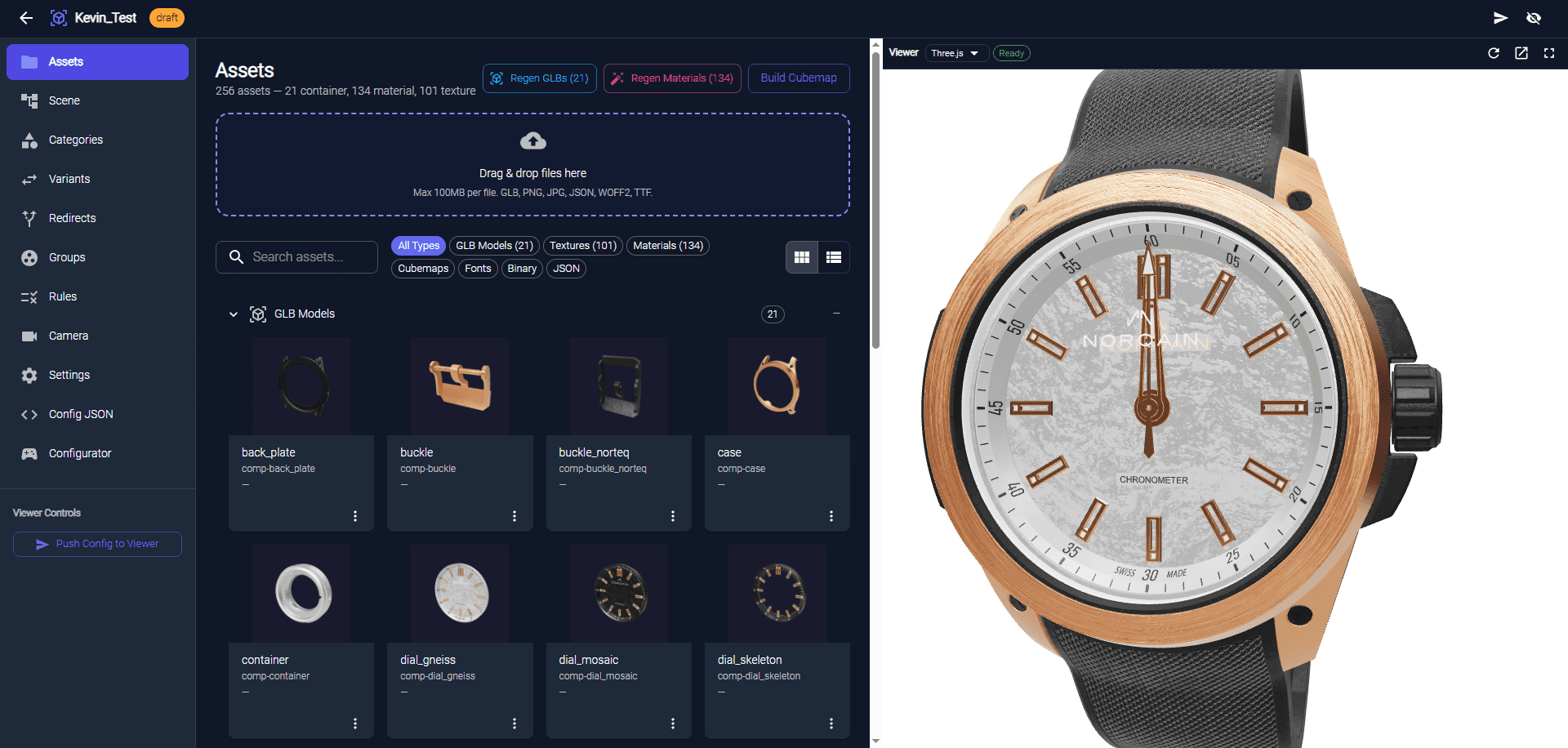
Automation kicks in at the material variant level. Our build pipeline reads the MSD, resolves every legal combination, and creates Unreal material instances programmatically via editor scripting. For the NORQAIN Wild ONE, this meant generating thousands of material instance assets from a single template and a configuration file — a process that now takes under 3 minutes for a new product line, down from 2 hours when done manually per-variant.
The same MSD feeds thumbnail generation. For each legal combination, the Render Queue system fires a headless render with the resolved material state, names the output according to a slug convention, and uploads it to the CDN. The web front-end reads from pre-generated thumbnails, which means zero latency for the user — no live renders requested for swatches.
The system's real value is what it enables for non-technical teams. Product managers add new finishes by editing JSON. Legal combinations update with a re-run of the build pipeline. Content teams never touch Unreal. The configurator stays in sync with the physical product catalog because the same data structure feeds both.
Material automation is not glamorous work. But it is the difference between a configurator that ships once and one that can evolve with the product line.